
To sign up for an Email Hippo account please go to the following link:
https://signup.emailhippo.com/signup
You will then be presented with a form to capture your details; please enter all the details.
Required details are marked with an asterisk(*).
Successful sign ups
If you're signup request is successful you'll be presented with a Success message and you will then receive an email to confirm your identity with an email link to complete the process:
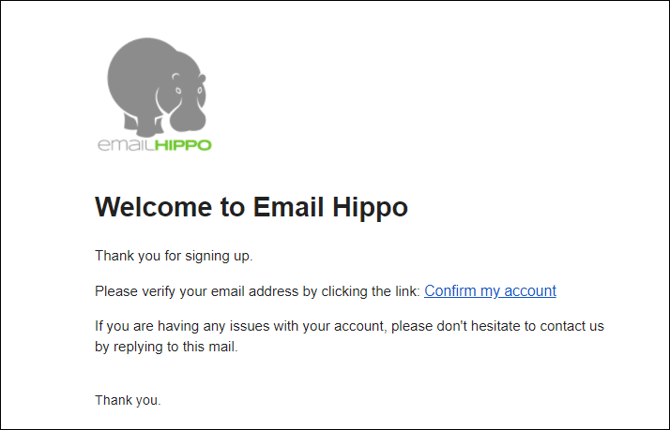
When you click confirm my account your user account will be enabled and you will then have access to our customer web app Hippo World where you'll be able to enable your free trials, buy subscriptions, process files and manage your API keys.
You can logon anytime at https://app.emailhippo.com
If you don't receive your confirmation please check your spam folder and add us as an approved sender.
Unsuccessful sign ups
If you have not been successful we may have been unable to confirm your email, domain and business.
Please check the details you submitted, make any corrections and try again.
If you are still unable to sign up and would like an account please send the following information to help@emailhippo.com:
- your name
- business email address
- business name
- business website
- business street address
If you need any help signing up or completing the sign up process, please contact help@emailhippo.com.